 Spawnkeeper
Your game servers, in your pocket.
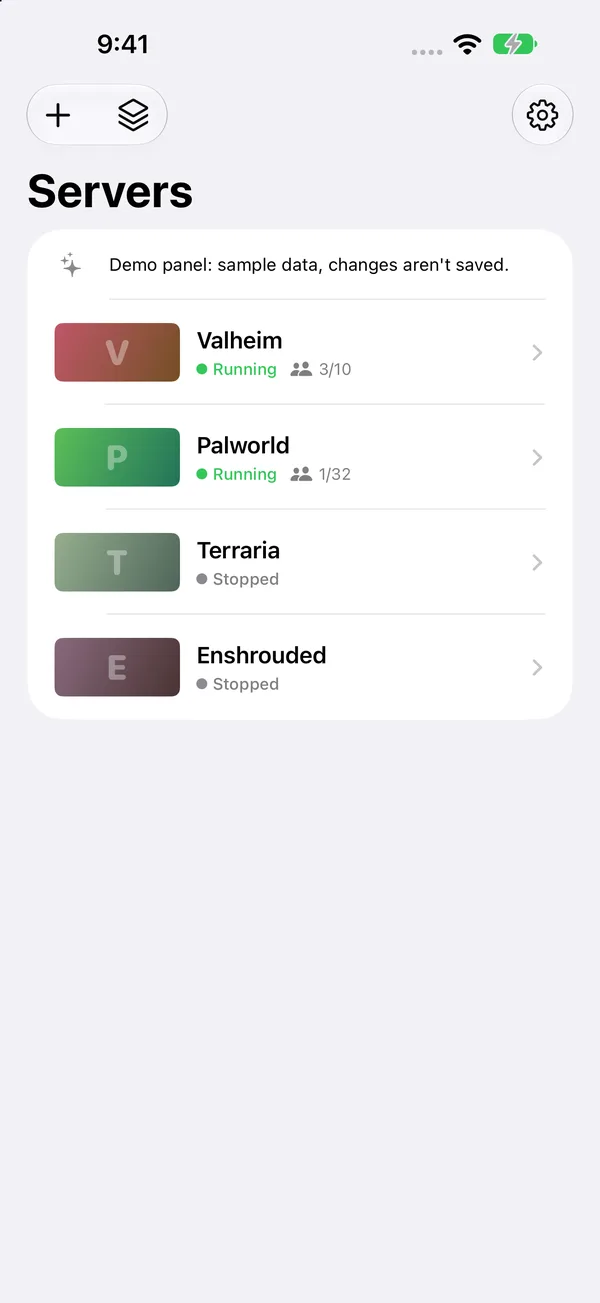
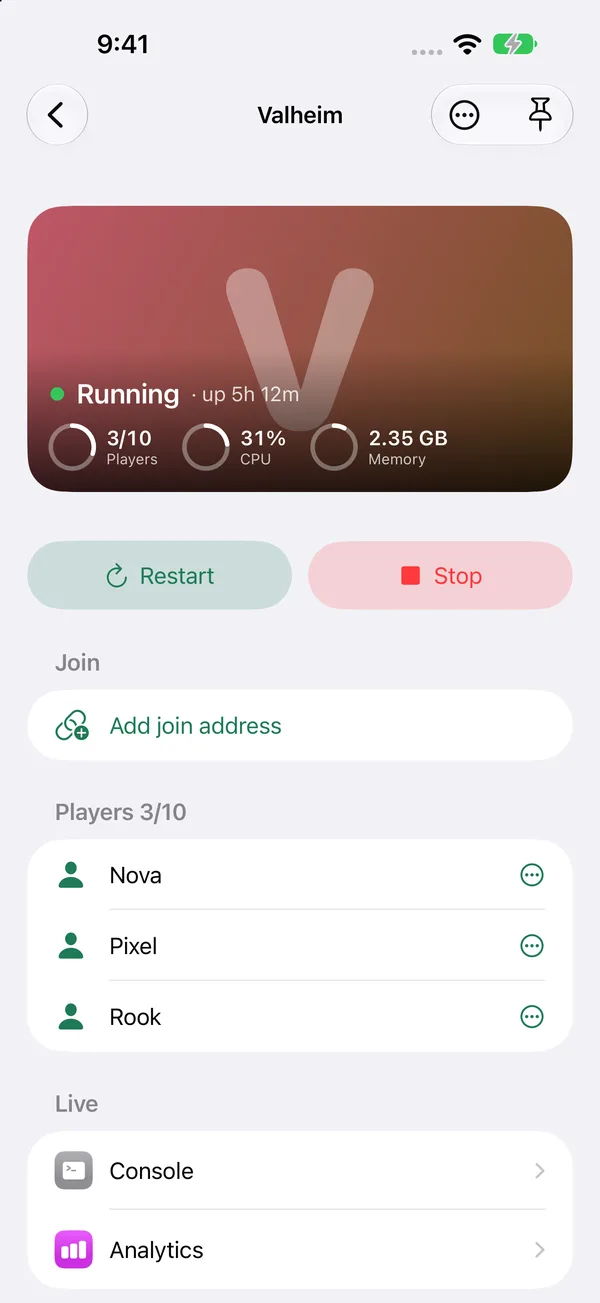
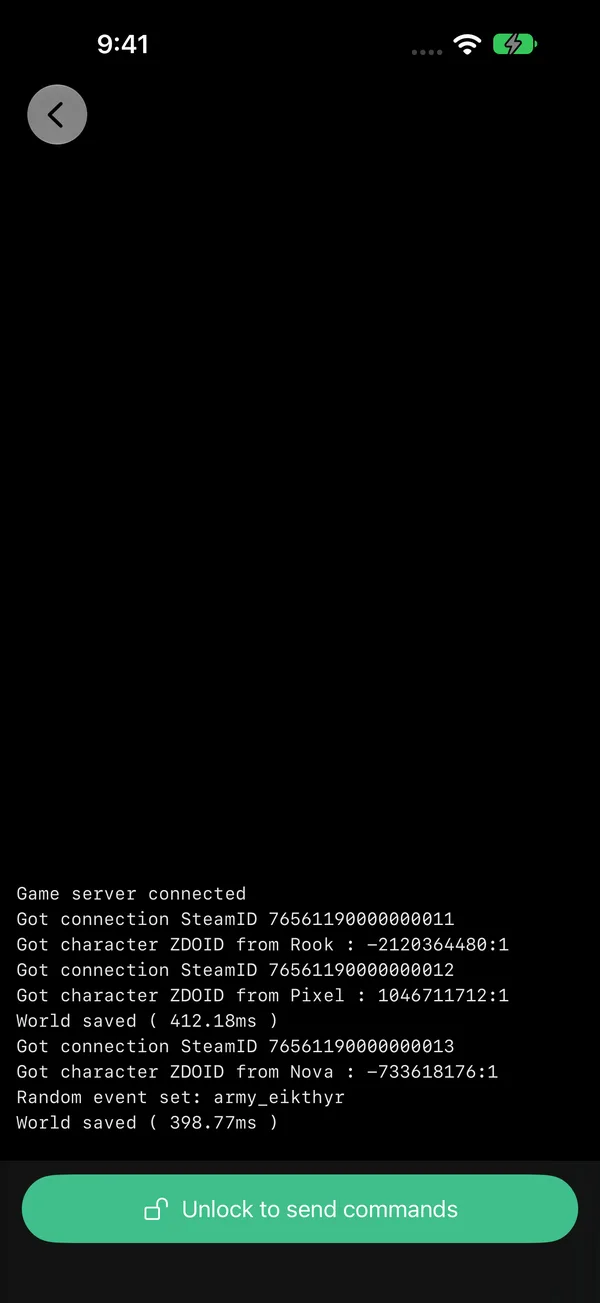
Start, stop and watch the servers you host with AMP from your iPhone or iPad. See who's playing, get an alert the moment one crashes, and let friends start the server themselves.
Support
Email support@spawnkeeper.com. Include your iOS version and your AMP version.
Common questions
It can't reach my panel. Use the same address you open in a browser, including https:// and the port if there is one. From outside your home network the panel must be reachable from the internet (for example through a tunnel or reverse proxy).
A button is missing or greyed out. Spawnkeeper follows your AMP permissions. Ask the panel's admin to give your AMP user the permission, or sign in as an admin.
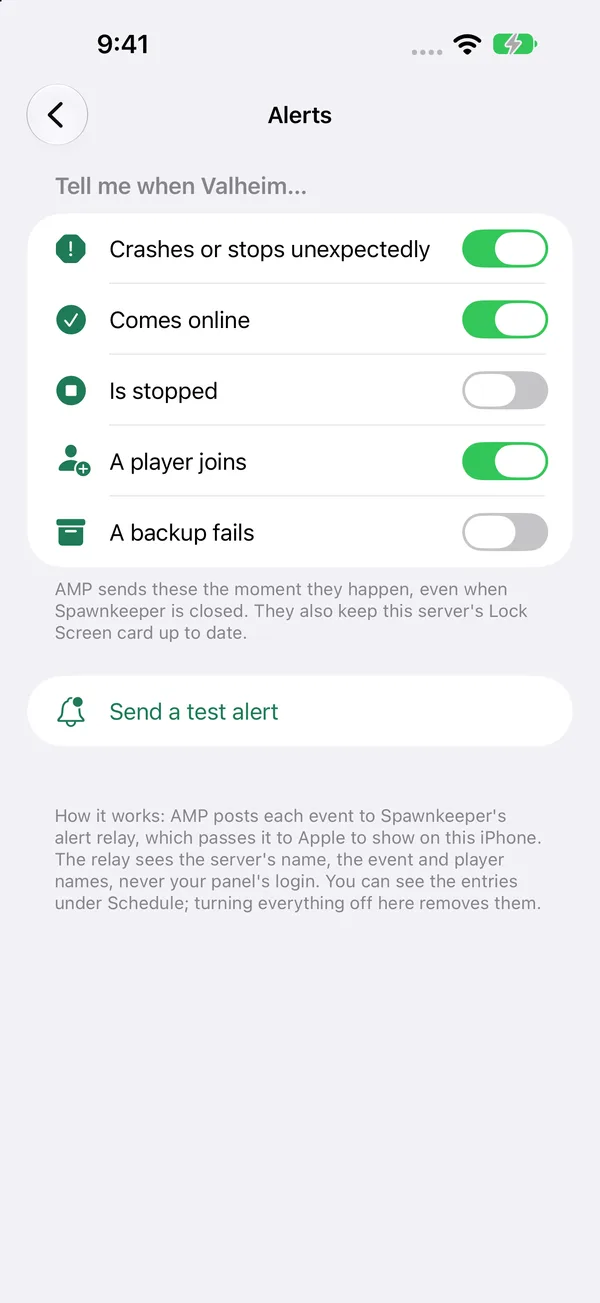
Alerts don't arrive. Open the server, choose Alerts and tap "Send a test alert". If the test arrives but real events don't, check the server's Schedule in AMP for the "Make a POST request" entries.
Cancel Pro. Settings app → your name → Subscriptions → Spawnkeeper.